Manage your stock and inventory, simply.
Real-time quantities, goods received, inventory, out-of-stock alerts and stock value. Kaislo is also an everyday management tool: purchases, expenses, margins and statistics. With or without a printer.

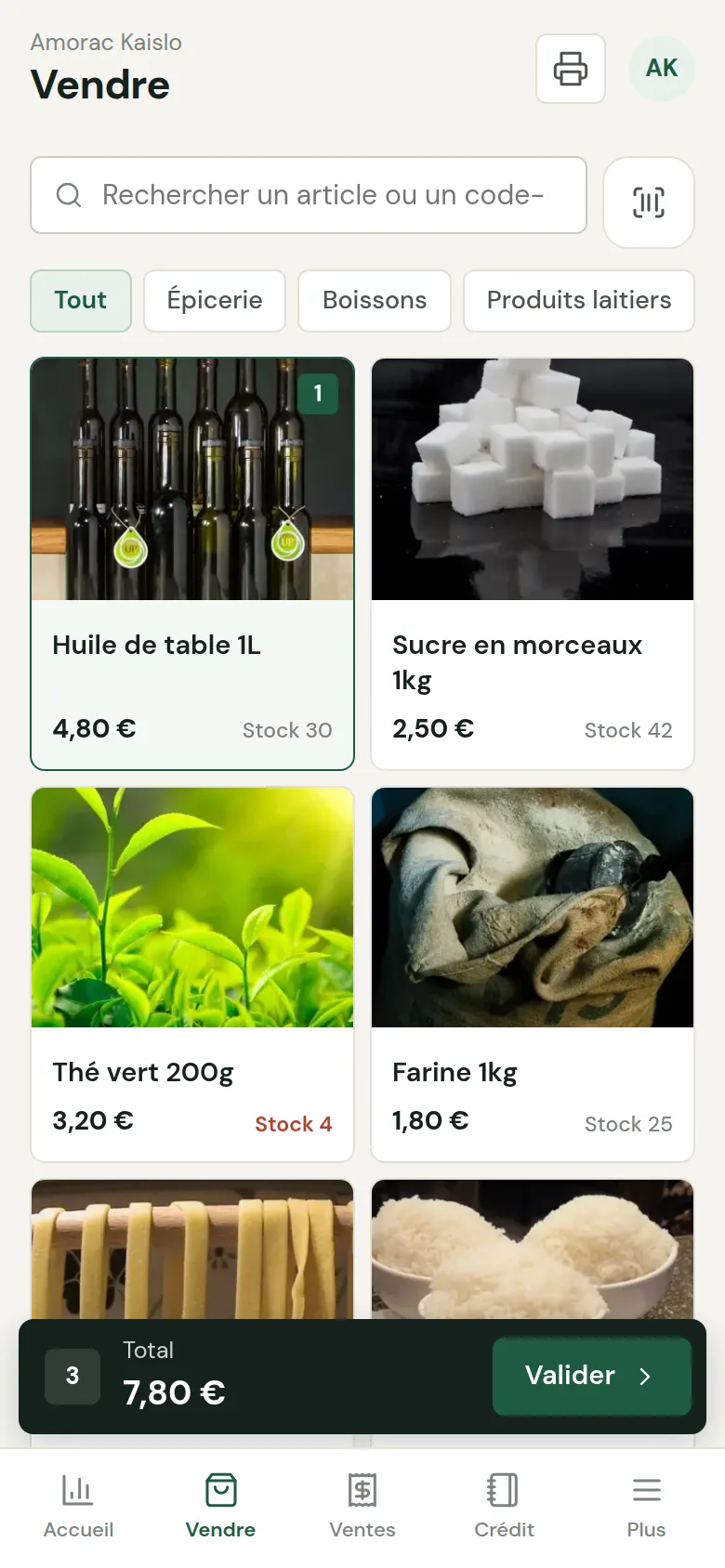
Add an item and track its stock, in one minute.
Add an item 1 min 10 · French voice-over
New dish, new category, purchase price and calculated margin, sides and extras: ready to sell straight away.
Try the demo →More tutorials
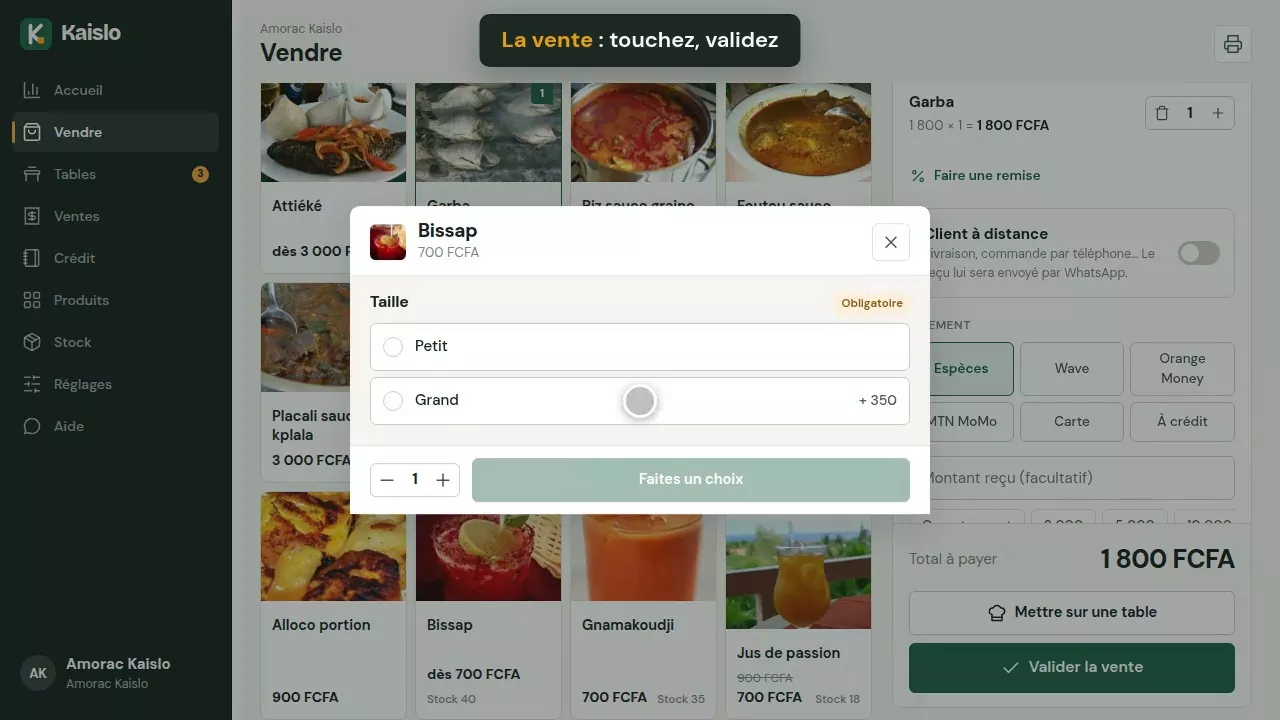


Know at any moment what you have, what is selling and what it is worth.
For grocery shops, wholesalers and depots, boutiques, hardware stores, pharmacies, phone shops, bookshops, bars, restaurants (drinks, ingredients)… Each item has its unit: piece, kg, litre, metre, carton, bag, bottle.
An inventory that is always up to date
Every sale lowers the stock. Record goods received with their purchase price and supplier, correct after counting, and keep the history of every movement.
- Low-stock and out-of-stock alerts
- Stock value at purchase price and at selling price
- Inventory exported to Excel (CSV) in one click
And the whole management of your business
Revenue, margins per item, expenses, customer credit, sales days: the dashboard sums up your business, day after day.
- Statistics by day, week, month and year
- Expenses and the day's balance
- Sales and full backup can be exported

Stock goes down with every sale, from every device of the business.
Quantity received, purchase price and supplier: stock and margin update.
Count, correct the real quantity: the difference is kept in the history.
One threshold per item: Kaislo warns you before it runs out.
Find an item by scanning it with the camera or a reader.
Margin per item and total stock value, at purchase price and at selling price.
Purchases, transport, rent… the day's balance appears on the dashboard.
Inventory, sales and full backup can be downloaded at any time.
The receipt can be printed, sent via WhatsApp, or simply kept in the history.
Questions about stock management
Do I need a printer to use Kaislo?
No. Printing is optional: every sale is recorded, the receipt remains available in the history and can be sent via WhatsApp. You can even use Kaislo just for stock and inventory.
How do I do the inventory?
In Stock, tap the item and enter the quantity counted: Kaislo corrects the stock and keeps the difference in the history. Then export the full inventory to Excel.
Can several sellers or devices update the stock?
Yes. Stock is shared between all the business's devices and syncs as soon as there is internet, even after an outage.
I sell by the kilo, the metre or the carton: is that possible?
Yes: choose the unit of each item (piece, kg, g, litre, metre, carton, bag, packet, box, bottle…). Stock, sales and the Excel inventory show it everywhere.
Is it suitable for a restaurant?
Yes: turn on “Stock and inventory management” in the settings to track drinks and ingredients, as well as dishes.
How much does it cost?
30-day free trial, then a subscription depending on your type of business: at your country's price (see the Pricing page), 1 station and 5 sellers included, 2 months free when paying annually. Details on the Pricing page.
Try Kaislo's stock management.
The grocery shop demo already contains a complete stock with alerts. Or create your business and add your items.