Sales management software for grocery shops and convenience stores.
Barcodes, stock, digital credit book and margins: know what you sell, what is left, and who owes you money.
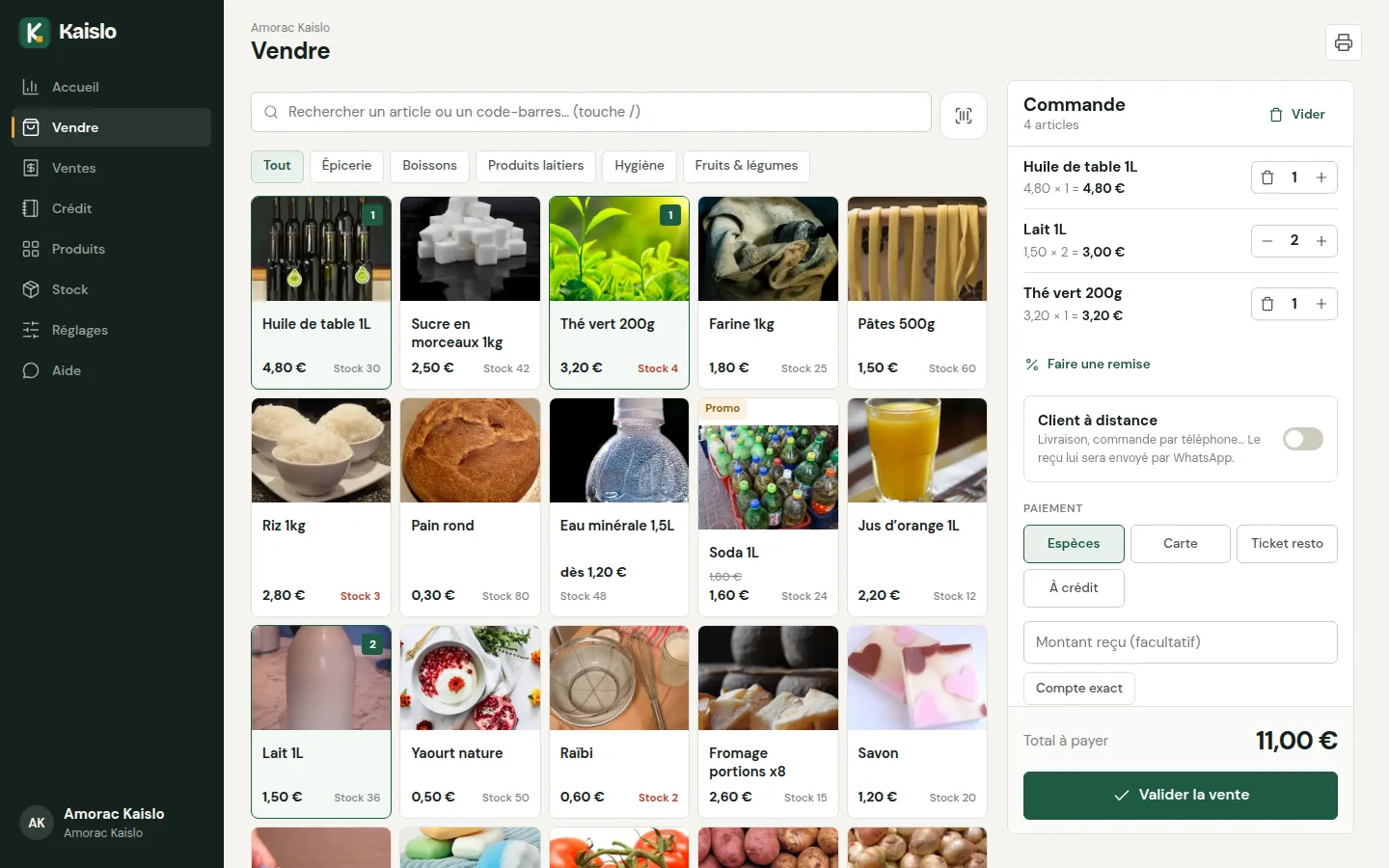
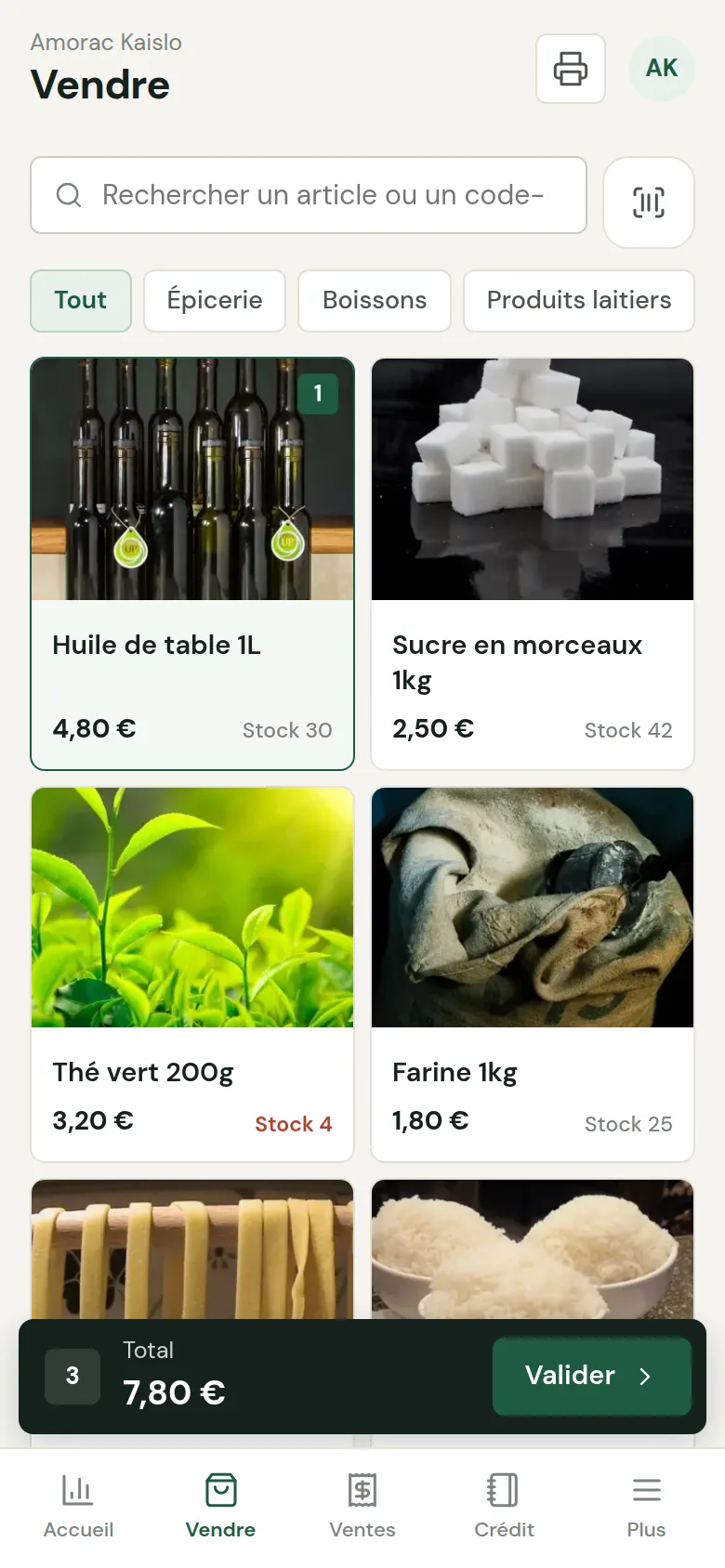
A day in a grocery shop, explained in one minute.
Grocery shop: sales, credit and evening accounts 1 min · French voice-over
Item search, credit sale recorded in the book, an accurate end of day.
Try the demo →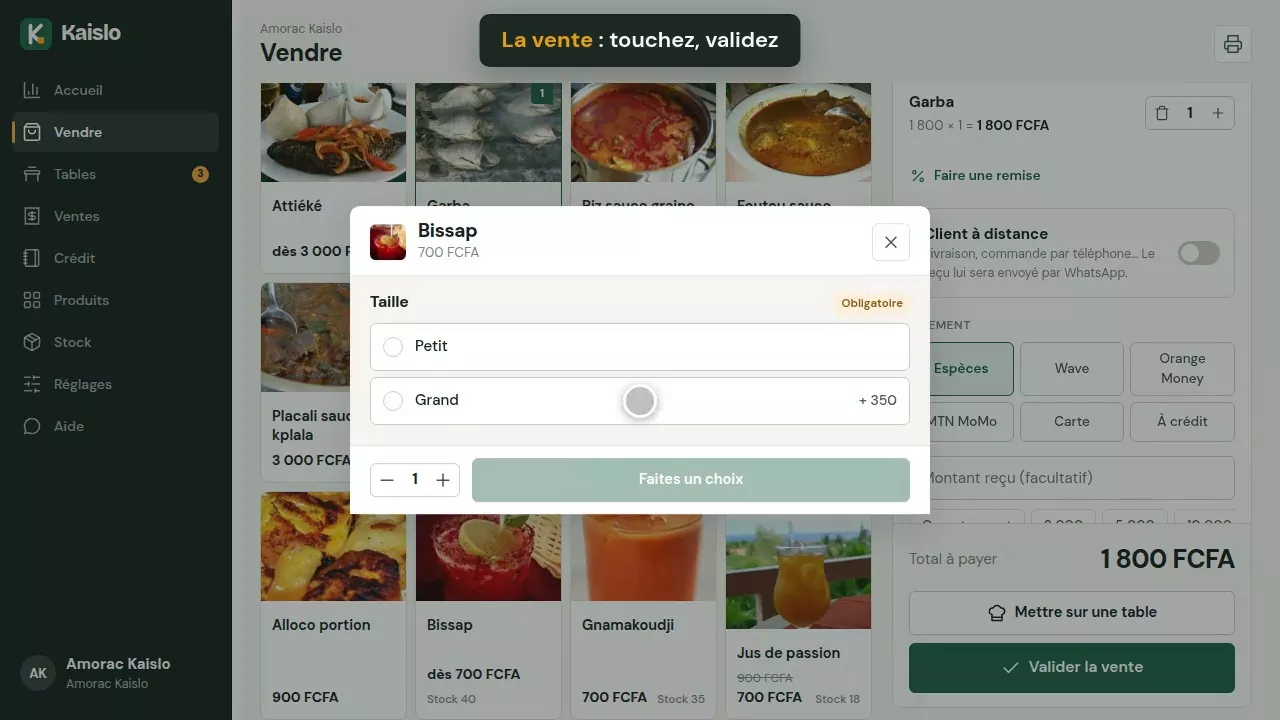


Everything that happens at the counter, finally under control.
No more unreadable credit notebook, and no more discovering you are out of stock in front of the customer.
The credit book, without the notebook
Each customer has an account: credit purchases, repayments and total owed. Receipt printed for every repayment, WhatsApp reminder in one click.

Stock that keeps itself up to date
Stock goes down with every sale. Record goods received with their purchase price, do the inventory, and see the value of your stock.
- Low-stock alerts per item
- History of goods in and corrections
- Margin per item

Each customer has an account: purchases, repayments, total owed. WhatsApp reminder in one click, receipt printed.
Scan with the phone's camera or a USB/Bluetooth reader. The product is added by itself.
Stock goes down with every sale. Supplier deliveries, inventory and movement history.
Choose the threshold for each product: Kaislo warns you before it runs out.
With the purchase price, see the real margin on each item and the value of your stock.
Promo price shown crossed out at the time of sale, discounts as a percentage or an amount.
Clear receipt with your contact details, and a receipt for every credit repayment.
In the evening, the difference between expected and counted cash appears immediately.
One PIN per seller. You decide who can add products or give discounts.
Grocers' questions
How does the credit book work?
When confirming the sale, choose “On credit” then the customer (or create them in a second). The receipt shows the total owed. When the customer repays, you record the amount and a receipt is printed.
Can I scan barcodes?
Yes, with the phone's camera (Chrome on Android) or with a USB or Bluetooth barcode reader, which works on all devices.
How do I track my stock?
Turn on “Track stock” on your items. Stock goes down with every sale; add goods received with the purchase price and the supplier, and correct after an inventory count.
What about products sold by weight or in packs?
Use options: for example “500 g / 1 kg / 2 kg” for tomatoes, or “Bottle / Pack of 6” for water, each with its own price.
How much does it cost?
30-day free trial, then a subscription depending on your type of business: at your country's price (see the Pricing page), 1 station and 5 sellers included, 2 months free when paying annually. Details on the Pricing page.
Try the Kaislo grocery shop demo.
A demo grocery shop with stock, credit customers and statistics. Or create your own straight away.